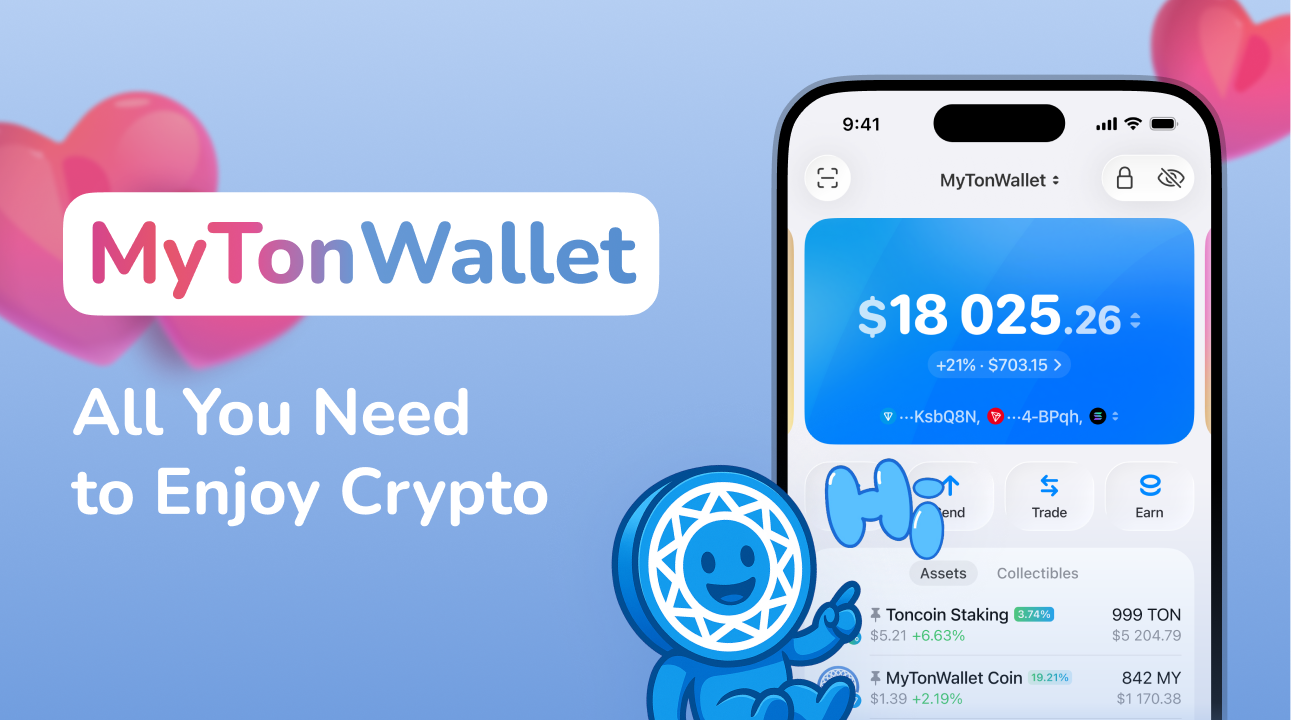
We’re starting 2026 with a major update. Meet My Wallet 4.6—a release that marks the next step in our product’s evolution, with a strong focus on speed, performance, and everyday usability.
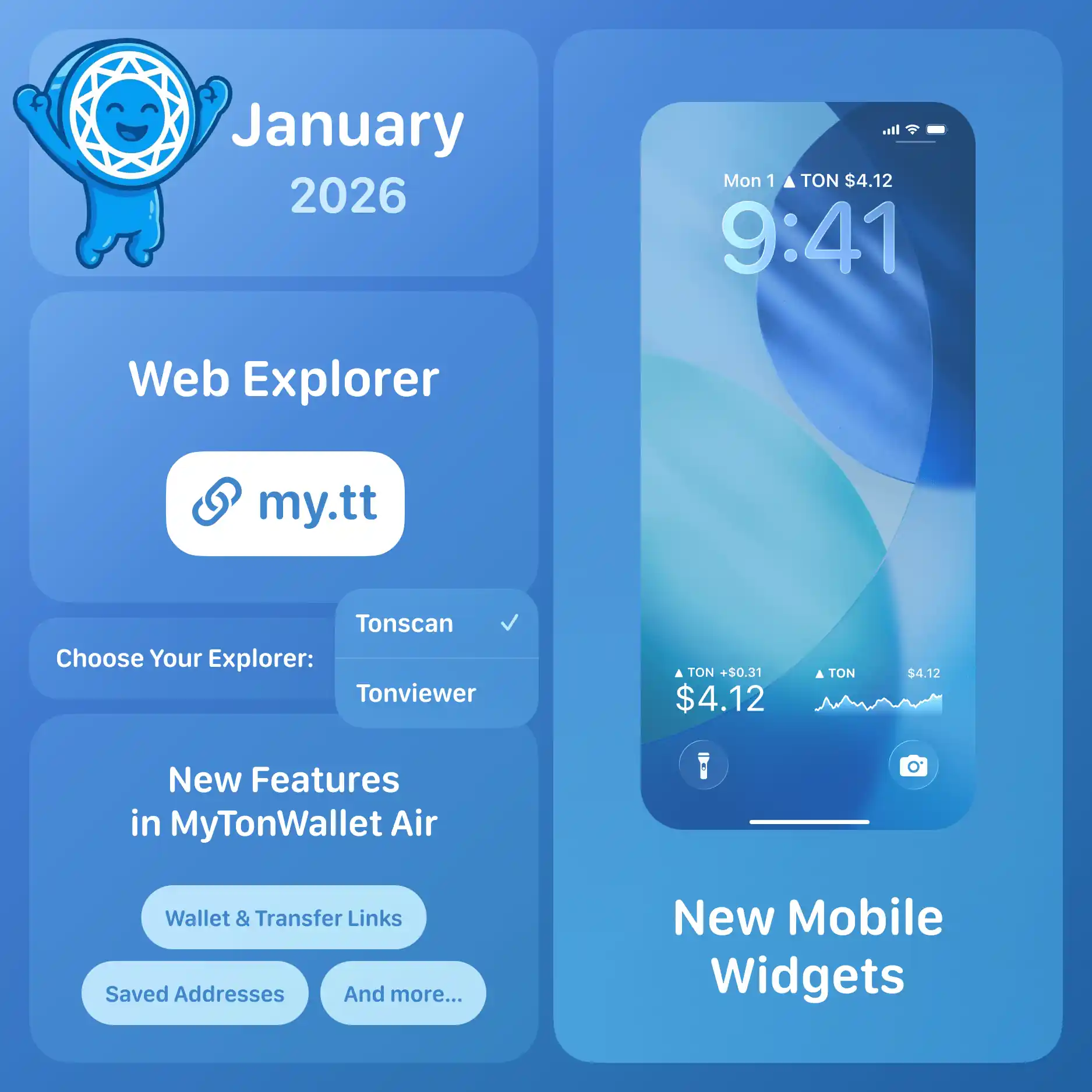
This update brings a universal web explorer for TON & TRON, adds new iOS Lock Screen widgets, enables the native My Wallet Air interface for new users, and brings several other important improvements.
Here's what's new in this release:
🌐 Multichain Web Explorer
My Wallet now comes with its own multichain explorer, bringing wallets, transfers, and NFTs together in one clean and convenient interface—available both in the app and on the web.
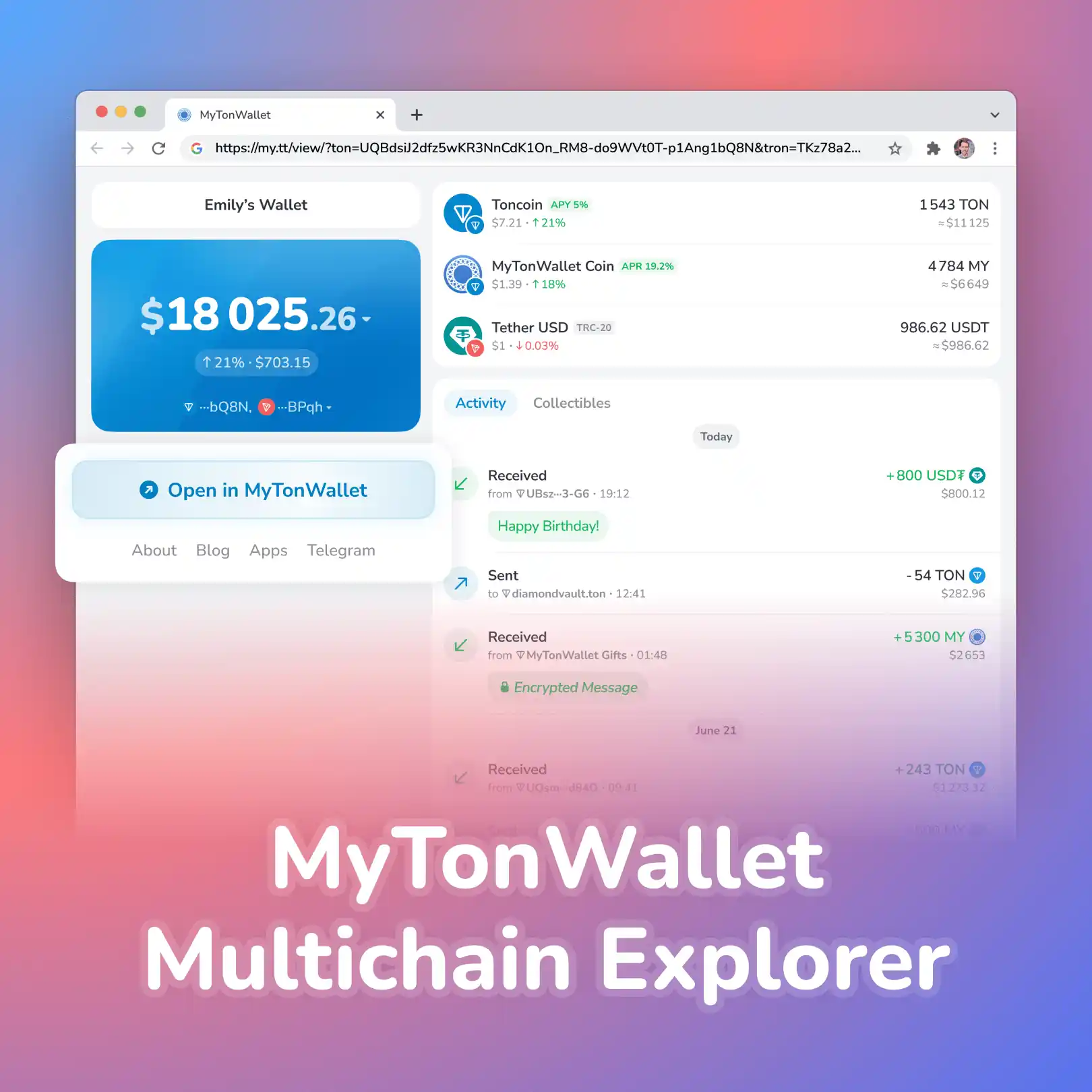
Just copy a direct link to any wallet, transfer, or NFT, and send it to a friend: if My Wallet isn't installed, the link opens in a brand new web interface with full wallet, transfer, or NFT details—with an option to install My Wallet right away.
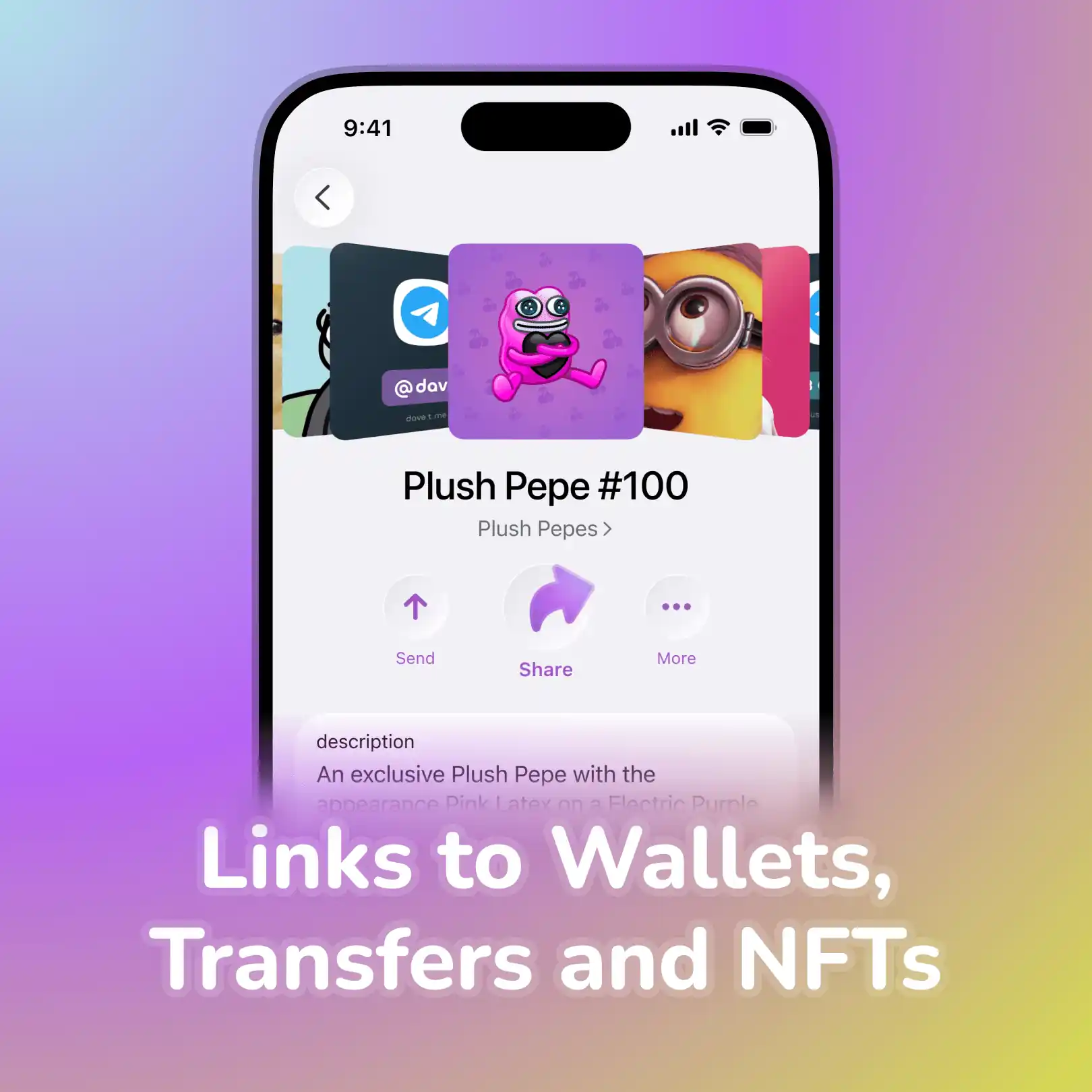
If the app is already installed, the link opens directly in My Wallet with all the capabilities of the built-in explorer.
This is the first multichain explorer on TON. Alongside the main network, it already supports TRON, with more networks to be integrated as My Wallet’s multichain vision expands—unlocking even more possibilities for our users.
💎 Choose Your Blockchain Explorer
Despite the simplicity and convenience of the new multichain explorer, Tonscan—the first and most comprehensive TON explorer—remains available for deep and detailed blockchain insights.
To suit all users needs, we've added support for Tonviewer—choose any of your favourite explorers and easily switch between them while viewing transfer details and other actions.
✨ New Mobile Widgets
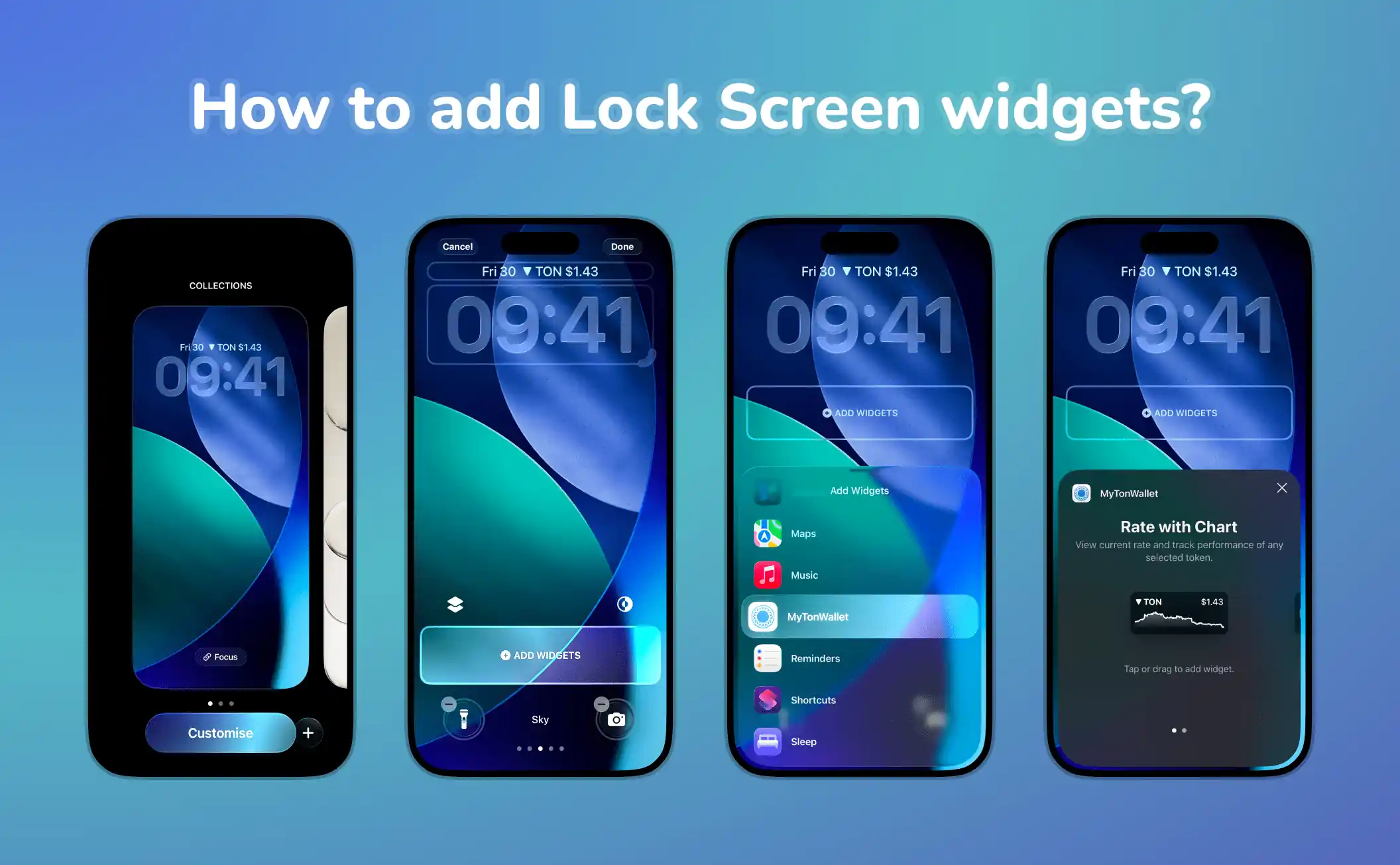
My Wallet now has four sleek new widgets for your iOS Lock Screen—see the price of your favourite tokens without opening the app.
Tap a widget to open the app and explore detailed charts, token activity, and more.
How to add Lock Screen widgets?
- Long-press your lock screen.
- Tap Customize → Add Widgets.
- Find My Wallet and select the widgets you want.
- Arrange them and tap Done.
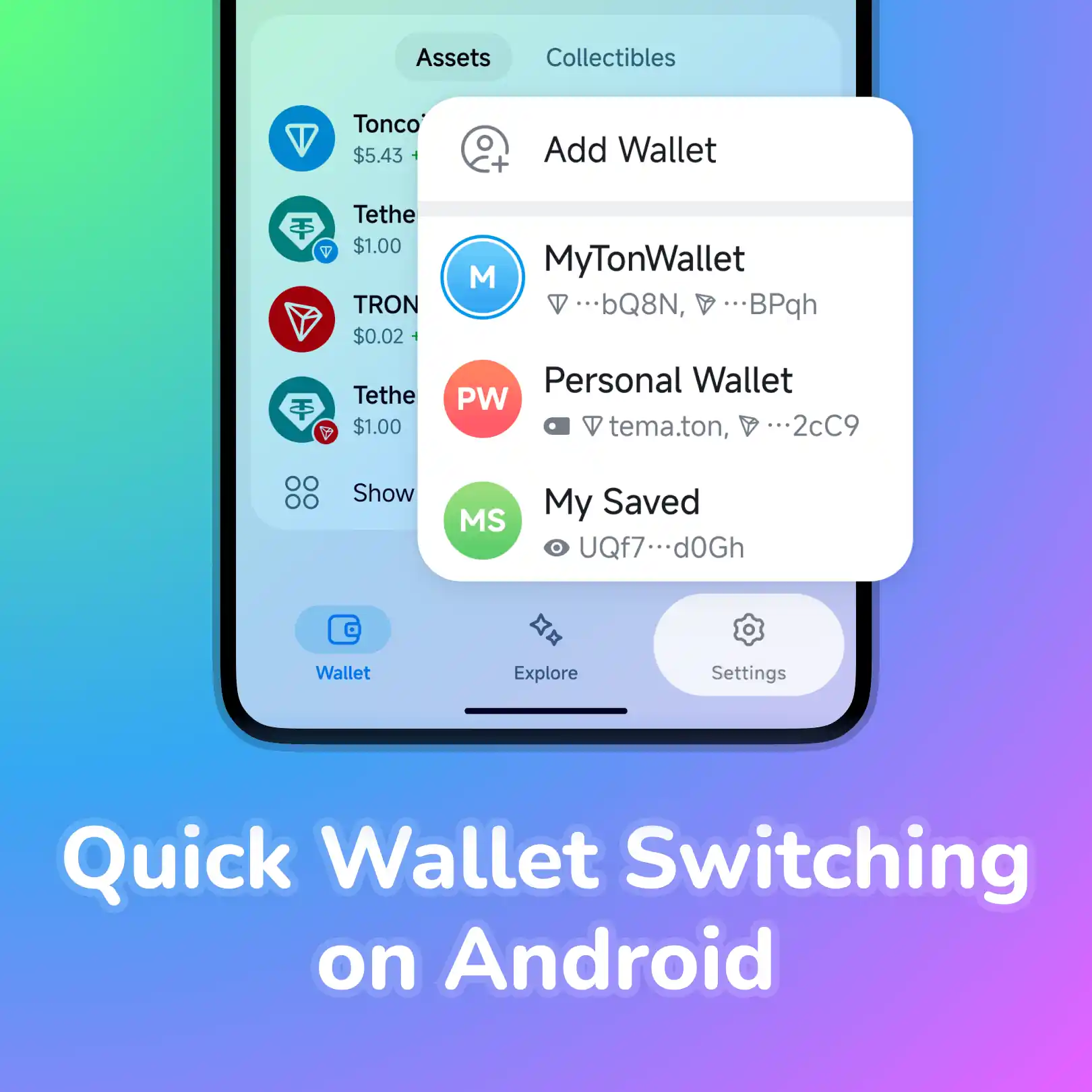
🔄 Quick Wallet Switching on Android
Switching between wallets in My Wallet Air on Android is now just as easy as on iOS. Simply hold the Settings button to instantly switch to another wallet or create a new one on the go.
📱 My Wallet Air for New Users
Starting with this update, all new users are onboarded with My Wallet Air by default—a native app that is faster and more intuitive to use.
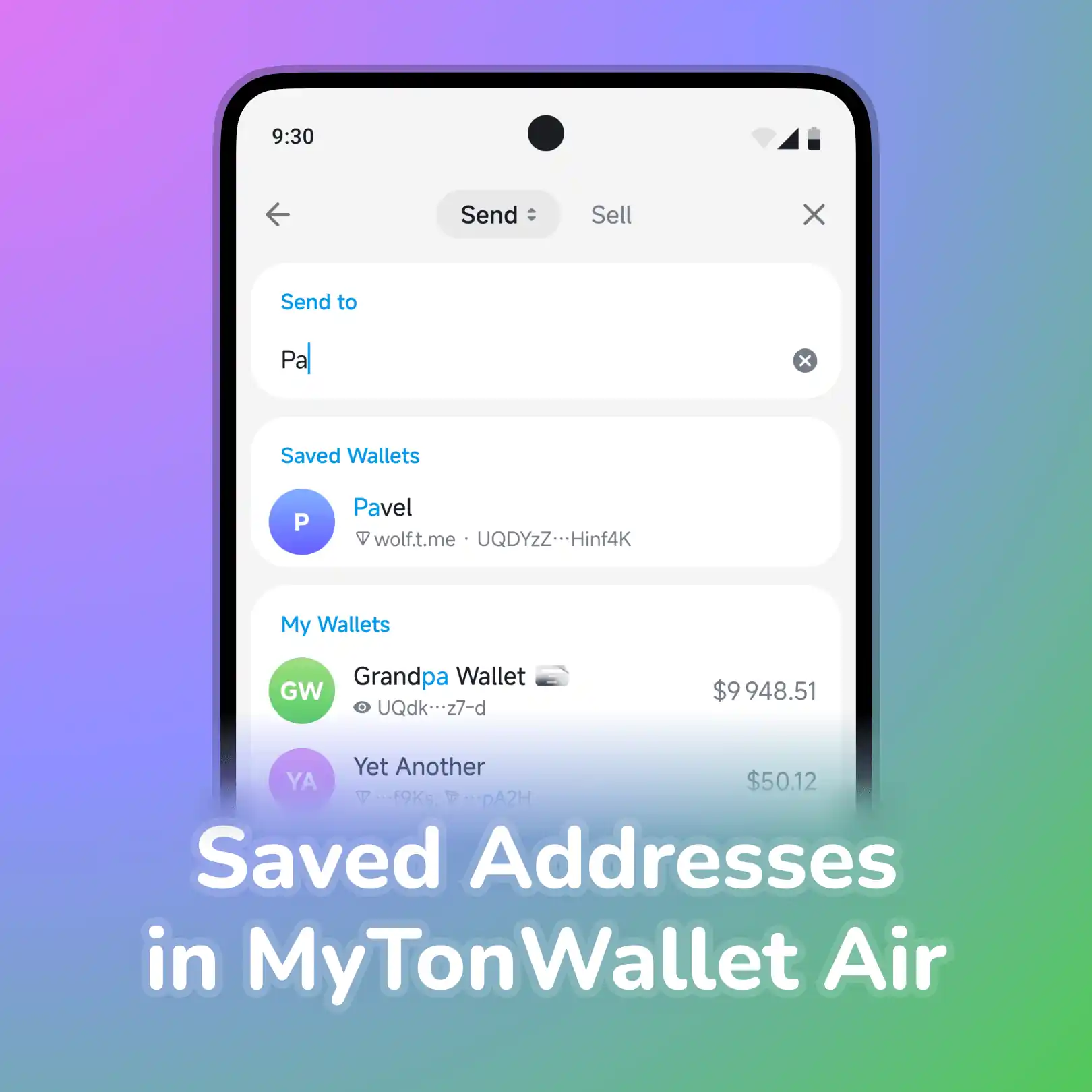
With My Wallet 4.6, it has also gained support for Saved Addresses.
Saved Addresses
Send money to friends and family in one tap—right from your contacts list. Address management works exactly like the classic version.
Switch to My Wallet Air
Classic and native app now work in sync—key features are equally stable in both versions. Managing multiple wallets, working with saved addresses, using the built-in explorer, and much more—it's all available in My Wallet Air.
Ready to switch? Use this link → my.tt/air. Next month, My Wallet Air will become the default for all users.
If you prefer the classic interface, you can always go back through Settings → Appearance or just click here.
⚡ Record-Breaking Transfer Speed on TON Testnet
We’re also excited to share that we’re working closely with the TON Core team on a major testnet speed breakthrough.
Once these improvements will be deployed to mainnet, TON could become the fastest blockchain ever! Stay tuned—more details are coming soon.
🚀 Update Now
Step by step, we're making the app faster, clearer, and more convenient for millions of users. Update My Wallet now and try everything we've built this month.
Thank you for staying with us—your support drives us forward 💙
🦄 About My Wallet
A secure and powerful wallet for Ethereum, Solana, TON, TRON, BNB & other networks. Learn more: https://mywallet.io.